Giving Your AI Agents Real Marketing Tools With MCP
How the Model Context Protocol lets an AI assistant run audits, build quotes, and send outreach instead of just describing how.

TL;DR
The Model Context Protocol (MCP) is an open standard that lets an AI assistant call real tools, like a website audit, a pricing quote, or an email send, instead of only talking about them. For an owner-operator, this turns a chatbot from a talker into a worker that actually completes tasks inside your systems. Start with one narrow, low-risk job, keep a human approval step, and expand only when it earns trust.
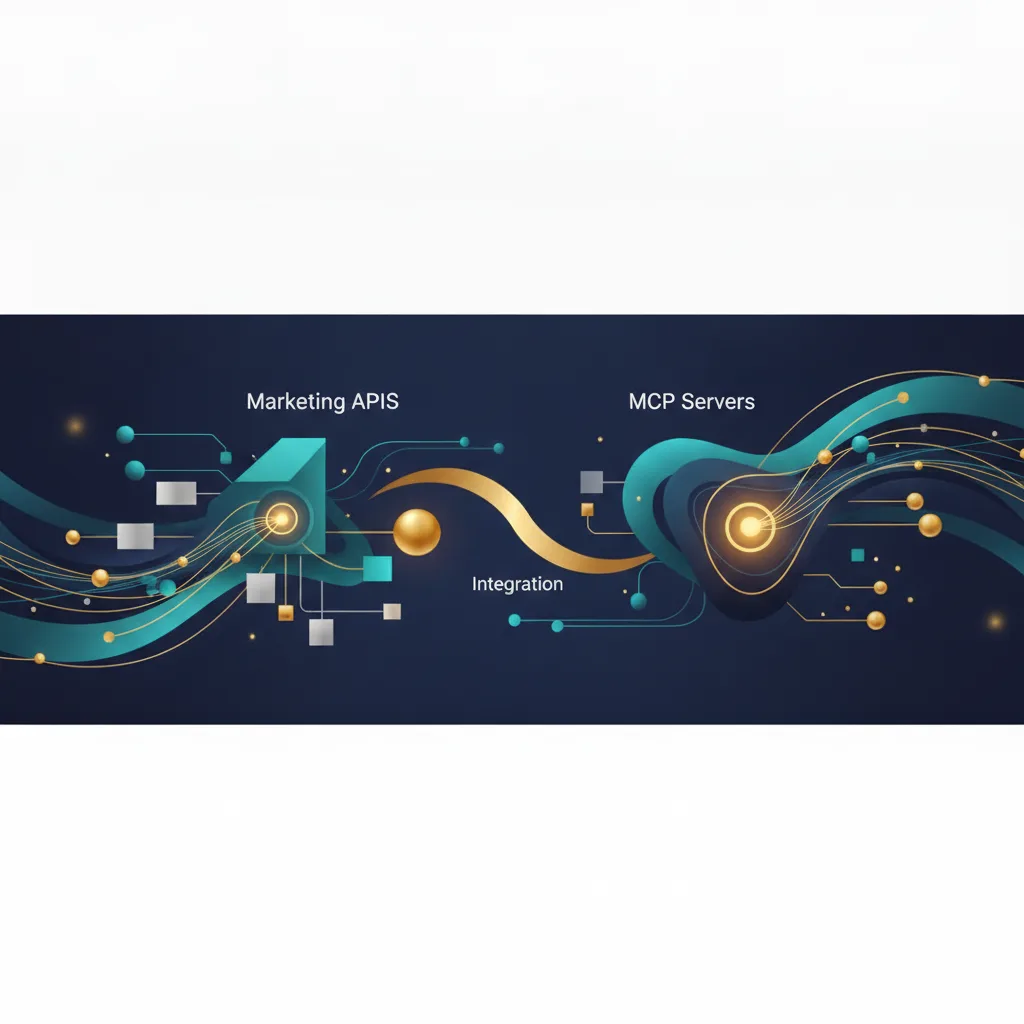
An AI agent becomes useful when it can do the work, not just describe it. The Model Context Protocol (MCP) is an open standard, published by Anthropic in November 2024, that gives an AI assistant a common way to call outside tools and data: run a site audit, pull a price and build a quote, queue an outreach email. Instead of a chatbot that writes advice, you get an assistant that takes an action inside a system you control, with a human able to approve before anything sends.
This matters for an owner-operator because most AI demos stop at text. The value shows up when the model can reach a real tool and finish a task.
What is MCP, in plain terms?
MCP is a standard connector between an AI model and your tools. Anthropic describes it as being like a USB-C port for AI applications: one common way to plug a model into different data sources and software instead of building a custom bridge for every single one.
An MCP "server" exposes a specific capability, say "audit this URL" or "create a quote." The AI application, the "client," can call that capability when it makes sense during a conversation or task.
The point is standardization. Before a shared protocol, every tool connection was a one-off. With MCP, a tool you build once can be reached by any client that speaks the protocol.
What does an AI agent with real tools actually do?
Here are three marketing jobs that map cleanly onto tools an agent can call.
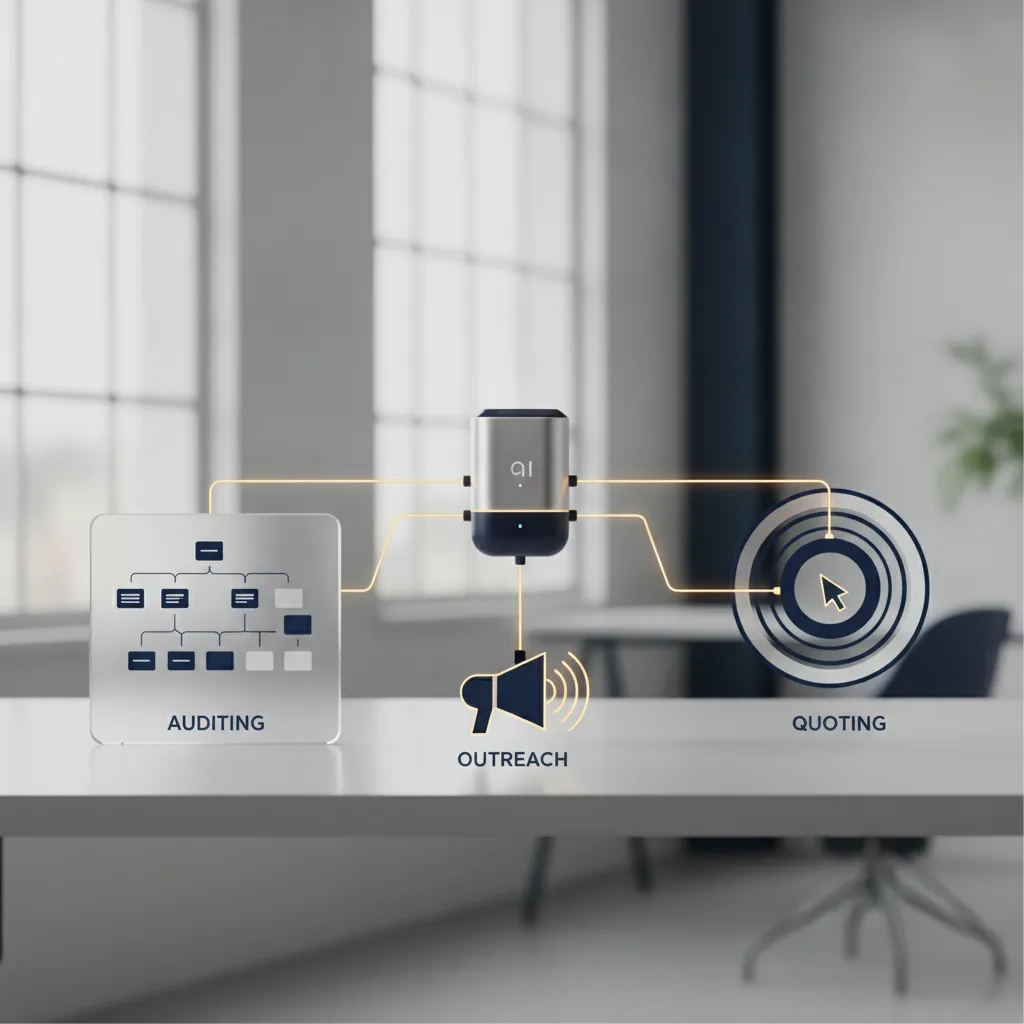
Audits. An agent calls an audit tool that checks a website for basics: page speed, missing meta descriptions, broken links, mobile layout issues. It returns a plain list of findings the owner can act on, not a vague "your site could be better."
Quotes. An agent pulls current pricing and packages, asks a few qualifying questions, and assembles a quote. The pricing lives in your system, so the number is one you set, not one the model guessed.
Outreach. An agent drafts and queues a campaign, then waits for a person to approve the send. This is where restraint matters most, and we will get to the guardrail below.
The pattern is the same across all three: the model handles language and sequencing, the tool handles the facts and the action.
Why not just use a regular chatbot?
A plain chatbot generates text from what it was trained on. It cannot see your live pricing, check your actual website, or put a draft in your outbox. It can only describe what it would do.
That gap is where errors live. Ask a text-only model for a quote and it may invent a number. Ask it to audit your site and it may describe problems your site does not have.
Giving the agent real tools closes that gap. The audit returns real findings from your real pages. The quote uses your real prices. The claim comes from the tool, not from the model's memory.
Want this working on your numbers?
Viewmedia makes marketing you can prove, matched to real, closed sales.
How do you keep this safe?

Keep a human approval step on anything that leaves your business. An agent can draft an outreach email, but a person should approve the send. This is the single most important rule, and it costs almost nothing to enforce.
Give each tool the narrowest permission it needs. An audit tool should read a URL, nothing more. A quote tool should read pricing, not edit it. Scope the access so a mistake stays small.
Log every tool call. When the agent runs an audit or queues a quote, you want a record of what it did and when, so you can review and correct.
One honest note on outreach: on consumer email campaigns, Viewmedia targets a 15% open rate. That is the only performance figure we will put a number to, because it is the one we stand behind. Everything else depends on your list, your offer, and your market.
How should a small business start?
Start with one narrow job that is low risk and easy to check. A website audit is a good first candidate because the output is a list you can verify yourself, and nothing gets sent to a customer.
Then follow a short sequence:
- Pick the single task that wastes the most of your time right now.
- Connect the one tool that does that task, with a human approval step.
- Run it for a few weeks and read the logs.
- Expand to a second tool only after the first one earns trust.
Connecting tools cleanly is where AI Integration fits. Building the tool itself when nothing off the shelf works is Custom Software. Teaching your team to review and approve agent output is AI Training. That last one is easy to skip and expensive to skip.
What can go wrong, and how do you avoid it?
The common failure is handing an agent too much, too fast. An agent with broad send permission and no review step can email the wrong list or quote the wrong price at scale. Narrow scope and a human gate prevent nearly all of it.
The second failure is skipping the logs. If you cannot see what the agent did, you cannot fix a pattern of mistakes. Keep the records and read them.
The third is expecting the tool to replace judgment. The agent speeds up the repeatable parts. You still decide what a good offer is and who to send it to. When the numbers matter, Matchback Reporting is how you connect what the agent did to actual closed sales, not just activity.
Founder, Viewmedia
Brian Wroblewski is the founder of Viewmedia. For more than two decades he has helped local and regional businesses turn marketing spend into provable, closed sales.