Marketing APIs Versus MCP Servers for Your Integration
A plain-language guide to when an owner-operator needs a traditional API, an MCP server, or both.
TL;DR
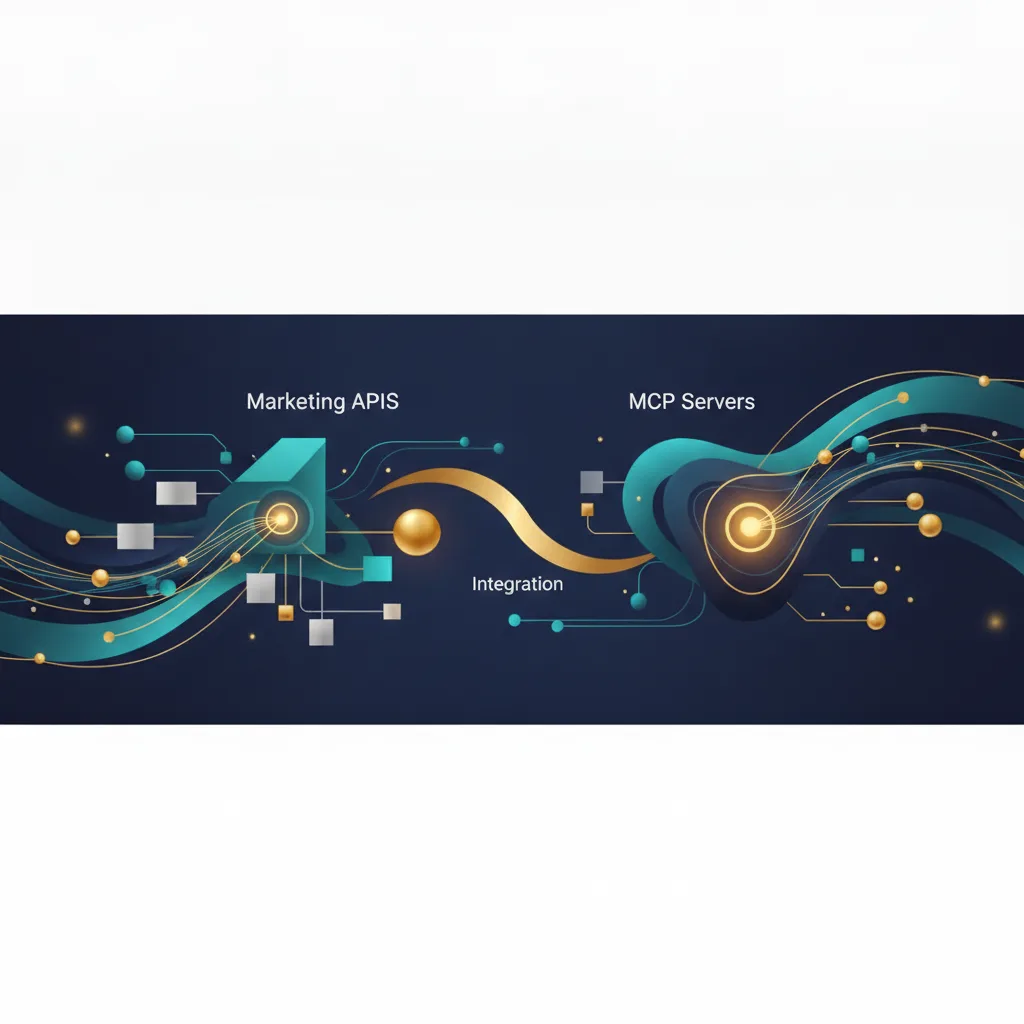
A marketing API is the pipe that lets two systems exchange data on your terms. An MCP server is a newer wrapper that lets an AI assistant discover and use those tools during a conversation. Most small businesses still need the API first, and only add an MCP server once they want an AI agent to do the work directly.
A marketing API is a defined way for two software systems to exchange data, such as pushing a new contact into your email tool or pulling campaign results into a dashboard. An MCP server is a newer layer that sits on top of tools like these so an AI assistant can find them, understand them, and call them mid-conversation. For most owner-operators, the API is what you actually need first. The MCP server matters only when you want an AI agent running those actions on your behalf.
If you have working integrations and no plans to hand tasks to an AI assistant, you can stop reading after the next two sections. If you want a model like Claude or ChatGPT to book, send, or update things directly, the MCP part is where the real work happens.
What is a marketing API in plain terms?

An API, short for application programming interface, is an agreed-upon set of requests one program can make to another. Think of it as a service window with a posted menu. Your software walks up, orders a specific item in a specific format, and gets a predictable response.
The Model Context Protocol was published by Anthropic as an open standard. Anthropic describes it as a way to connect AI applications to external systems. More on that shortly. The plain API, though, is still the workhorse.
In marketing, APIs move the boring but important data. A form submission becomes a contact record. A purchase becomes a segment tag. A sent campaign returns open and click numbers. None of this requires AI. It has been the standard way software talks to software for years.
The strength of an API is control. You decide exactly what data goes where, in what shape, and how often. The cost is that a developer usually has to build and maintain the connection, because APIs assume another piece of software is calling them, not a person typing into a chat window.
What is an MCP server, and how is it different?
An MCP server is a standardized wrapper that describes your tools and data to an AI model so the model can use them without custom glue code for every single integration. The Model Context Protocol defines how that description works and how the model and server communicate.
Here is the distinction that matters. A normal API waits for another program to call it with exact instructions. An MCP server publishes a list of available actions in a format an AI assistant can read, so the assistant can decide which action to call based on what you said in plain language.
An example: you tell an assistant, "add everyone who bought last week to the winback list." With a plain API, a developer had to write code in advance that maps those words to the right calls. With an MCP server connected, the assistant reads the tools available, picks the right ones, and carries out the steps.
Anthropic frames MCP as a common way to connect models to data sources and tools, cutting down on the one-off integrations you would otherwise build. The protocol is open, so it is not tied to any single AI vendor.
Want this working on your numbers?
Viewmedia makes marketing you can prove, matched to real, closed sales.
Which one does your integration actually need?

Start with the API if your goal is to move data reliably between tools with no AI in the loop. This covers most small business needs: syncing contacts, triggering emails from events, reporting on campaigns. Our approach to this is covered under AI Integration.
Add an MCP server when you want an AI assistant to take actions for you, not just answer questions. The test is simple. Is a person or a scheduled job doing the work, or are you asking a model to do it in conversation? Only the second case needs MCP.
You often need both. The MCP server does not replace the API underneath it. In practice, the server exposes actions that still call your existing APIs to move the data. MCP is the translator for the AI; the API is still the pipe.
Skip MCP entirely if you have no AI agent in your workflow yet. Building an MCP server for tools no assistant will ever call is effort with nothing on the other end to use it.
What does this look like for a real campaign?
Say you run consumer email campaigns and want fewer manual steps. The plain-API version syncs your point-of-sale contacts into the email platform automatically and pulls results into one report. That alone removes hours of copy-paste each week.
The MCP version lets you ask an assistant to draft a segment, queue a campaign, and summarize last month's results in a single conversation. Behind the scenes it uses the same APIs, but you never open five tabs.
On results, the honest number to plan around is deliverability and engagement, not magic. Viewmedia guarantees a 15% open rate on consumer email campaigns. Everything else depends on your list and your offer, so we will not promise figures we cannot stand behind.
Either path benefits from teaching your team how the tools actually behave, which is what AI Training is for, and from building only what you will use, which is the point of Custom Software.
How do you decide without guessing?
Write down the tasks you want handled, then mark each one "software does it" or "I ask an assistant to do it." The first column points to APIs. The second points to an MCP server on top of those APIs.
Then check whether the tools you already use offer either option. Many marketing platforms have mature APIs today, while MCP support is newer and still spreading. If a platform has no API, an MCP server for it is not yet possible because there is nothing underneath to call.
Finally, size the work to the payoff. A single reliable API sync can save real time this month. An MCP setup pays off when you have repeated, conversational tasks worth handing to an agent. Build the pipe first, then decide if the AI layer earns its keep. For more on what matchback reporting actually proves about whether your campaigns are working, that is a related question worth reading before you automate anything.
Sources
Founder, Viewmedia
Brian Wroblewski is the founder of Viewmedia. For more than two decades he has helped local and regional businesses turn marketing spend into provable, closed sales.