What Is Geofencing and How Does It Work for Local Advertising?
A plain explanation of geofencing, how the ad targeting works, and where it fits alongside your local search efforts.

TL;DR
Geofencing draws a virtual boundary around a real place and shows ads to phones that enter it. It is a mobile advertising tactic, not a ranking factor, so it works best as a supplement to your Google Business Profile and local search work rather than a replacement for either.
Geofencing is a form of location-based advertising that draws a virtual boundary around a real-world location, then shows mobile ads to people whose phones enter that boundary. The boundary can be a competitor's parking lot, a trade show, a neighborhood, or a stretch of highway.
It's an advertising tactic, not a search ranking method. Geofencing helps you reach people near a specific place. It does not help you show up in Google Maps or inside AI answers. Those are separate jobs, covered in our Local SEO & AI Search work.
How does geofencing actually work?
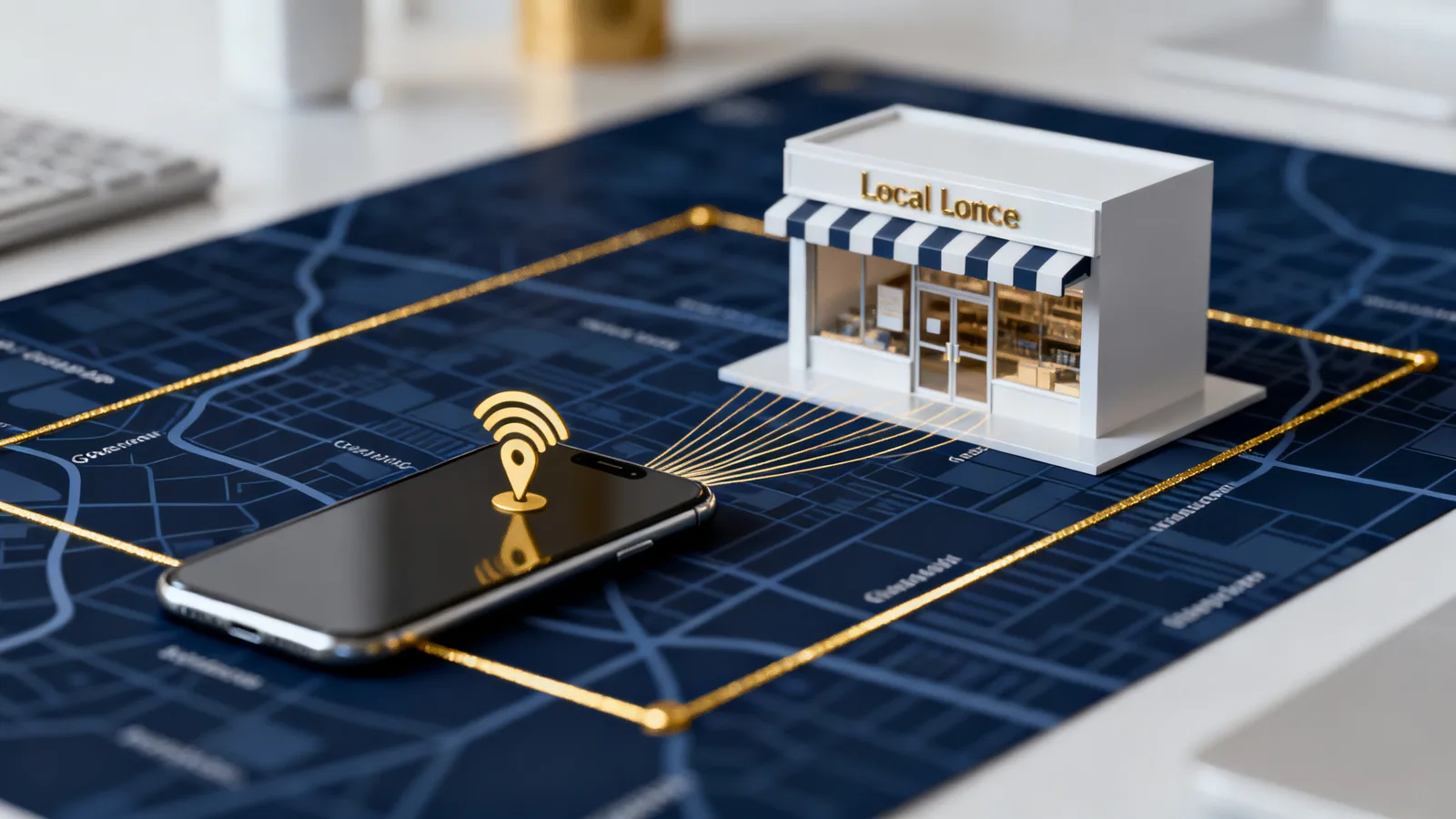
A geofence uses your phone's location signals, mostly GPS plus Wi-Fi and cell data, to determine where a device is. When a phone crosses into the boundary you defined, it becomes eligible to see your ads.
The ads run through normal mobile channels: apps, mobile websites, and ad networks that sell space inside those apps. The person doesn't get a text or a call. They simply start seeing your banner or video ads inside the apps and sites they already use.
Targeting depends on the device sharing location data and the person allowing ads at all. A geofence never reaches every phone that passes through. It reaches the subset of devices that are eligible in the ad system.
What is the difference between geofencing and geotargeting?
Geotargeting is broader. It aims ads at people based on a general area like a city, a ZIP code, or a radius around your business. Google Ads location targeting is the most common example.
Geofencing is tighter and more literal. It draws a smaller shape around a specific building, block, or event and reacts when a device enters it. Geotargeting is choosing a town. Geofencing is choosing a doorstep.
Most small businesses already use geotargeting without calling it that, because ad platforms set a service area by default.
What can you do with geo-conversion or address targeting?
Some vendors offer a related feature that targets past visitors. The system records devices that entered a fence during a set window, then keeps serving those devices ads for days or weeks afterward. This is often marketed as conversion zone targeting or geo-conversion.
Address-based targeting is another variation. Instead of a live fence, you upload a list of specific street addresses, and the platform tries to match ads to devices seen at those homes or buildings. Home service companies sometimes use this to reach a neighborhood after finishing a job on the same street.
These features rise and fall with privacy rules and platform policies, so what's available changes over time. Confirm current capabilities with any vendor before you buy.
Want this working on your numbers?
Viewmedia makes marketing you can prove, matched to real, closed sales.
What is geofencing good for, and what is it not?
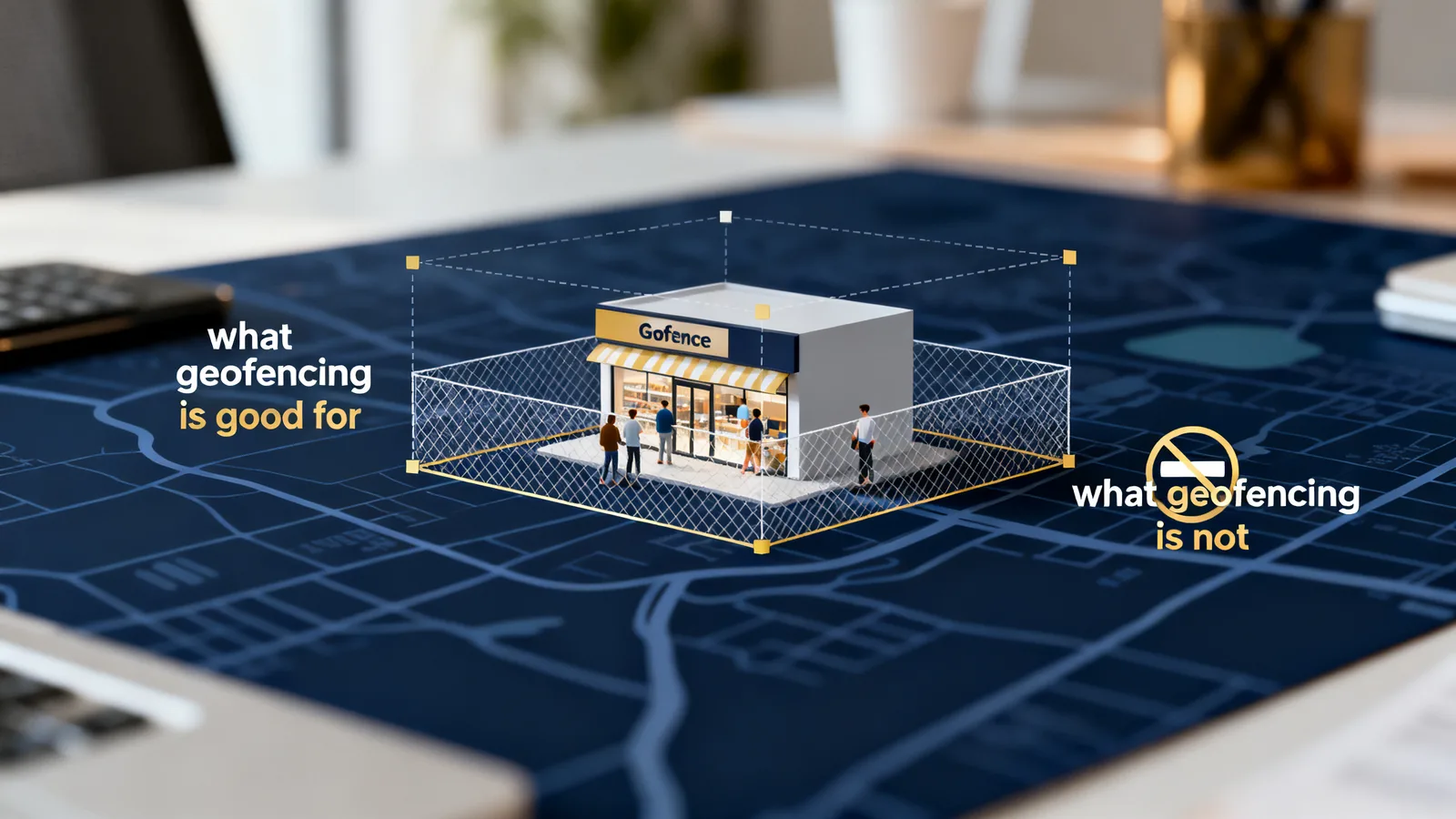
It works best for reaching people who are physically near a place that signals intent. Examples that make sense:
- Home service companies advertising to a neighborhood where they just completed a visible project like a new roof or driveway.
- Businesses near a large event, stadium, or convention who want to reach attendees while they're in town.
- Retailers who want to reach shoppers standing in or near a competitor's location.
It's weaker as a standalone strategy. Geofencing doesn't build the assets people search for later. When someone gets home and searches your category on Google, your map pack ranking and your reviews decide whether you get the call, not the ad they saw earlier.
That's why geofencing works best as a supplement. Steady local search visibility does the heavy lifting. Geofencing adds reach around specific places and moments.
How much does geofencing cost?
Geofencing is usually priced on a cost-per-thousand-impressions basis, meaning you pay for ad views rather than clicks. Rates vary by market, audience size, and vendor, so ask for the specific pricing model before you commit.
The size of your fences and the number of eligible devices inside them drive the total. A tiny fence around one building may not have enough traffic to spend a meaningful budget, while a wide fence dilutes your targeting. Getting the shape right is most of the skill.
Judge it the way you judge any ad: track calls, form fills, and store visits during and after the campaign, then compare against spend. Impressions alone are not results.
Is geofencing legal and does it invade privacy?
Geofencing that runs through standard ad networks relies on location and advertising data that users have already agreed to share through app permissions. It doesn't identify anyone by name or send a direct message.
Privacy laws and platform policies do shape what's allowed, and they've tightened over the years. Apple and Google both give users more control over location sharing, which shrinks the pool of reachable devices. A reputable vendor should be able to explain how their targeting complies with current rules.
If a provider promises to reach every phone that passes by, or claims to identify individuals personally, treat that as a warning sign.
Where should geofencing sit in your marketing plan?
Build the foundation first. Make sure your Google Business Profile is complete, your name, address, and phone number are consistent everywhere, and you're collecting reviews. Those assets earn free visibility that compounds over time.
Add geofencing when you have a specific reason: an event, a neighborhood, or a competitor location where being present is worth paying for. Set a clear goal, measure the response, and keep it only if the math holds.
For definitions of other terms in this space, see our Glossary.
Sources
- About privacy and Location Services in iOS, iPadOS, and watchOS – Apple Support
- Location targeting – Google Ads API – Google for Developers
- Safer and More Transparent Access to User Location – Android Developers Blog
- What is CPM? Cost per mille explained – Amazon Ads
- Request location permissions – Android Developers
Founder, Viewmedia
Brian Wroblewski is the founder of Viewmedia. For more than two decades he has helped local and regional businesses turn marketing spend into provable, closed sales.