How to Optimize Your Google Business Profile So It Actually Ranks
A plain walkthrough of the Google Business Profile fields that affect local ranking, and the ones that mostly waste your time.

TL;DR
Your Google Business Profile ranks better when the category, primary services, reviews, and ongoing activity match what people actually search for. Most of the work is filling out every field accurately and keeping the profile active, not chasing tricks. This guide covers what moves rankings and what does not.
Your Google Business Profile ranks higher in the local pack when three things line up: the profile is complete and accurate, the primary category matches what people search for, and you have a steady flow of recent reviews. Google has confirmed that relevance, distance, and prominence drive local rankings. Everything below is about influencing those three through fields you control.
Start by claiming and verifying the profile if you haven't already. An unverified listing can't be edited and is far less likely to surface.
What actually affects your local ranking?

Google ranks local results on relevance, distance, and prominence. Relevance is how well your profile matches a search. Distance is how far you are from the searcher. Prominence is how well known and trusted your business is — think review count, score, links, and other signals.
You can't change your distance from a searcher. You can change relevance and prominence, and that's where the work pays off.
The single highest-impact field is your primary category. Google uses it to decide which searches you're eligible to appear for. A flooring contractor listed under the generic "Contractor" category will lose to one listed under "Flooring contractor" for most flooring searches.
Pick the most specific primary category that describes your core service. Add secondary categories for other real services you offer, but don't pad it with categories for work you don't do.
Which profile fields are worth the time?
Fill out every field. An incomplete profile gives Google less to match against and gives searchers less reason to choose you. Google's own guidance says complete, accurate information helps your business show up.
These fields are worth doing carefully:
- Business name. Use your real name exactly as it appears on signage. Adding keywords that aren't in your legal name violates Google's guidelines and can get the listing suspended.
- Categories. One specific primary, plus accurate secondaries.
- Services and service descriptions. List each service you offer. This adds the plain text Google can match to searches.
- Hours, including special hours. Accurate hours prevent bad experiences and the negative reviews that follow.
- Phone, website, and booking link. Make sure they work and point to the right place.
- Service area. If you travel to customers, set the areas you actually serve.
- Attributes. Things like "wheelchair accessible" or "women-owned" can match filtered searches and show up on your profile.
Photos matter for engagement. Real photos of your work, your team, and your location give people a reason to click. You don't need hundreds — a steady trickle of genuine photos beats a one-time dump of stock images.
How much do reviews change your ranking?
Reviews feed prominence, one of Google's three ranking factors. Both the number of reviews and the average score count, per Google's documentation.
The practical takeaway: ask every satisfied customer for a review and make it easy with a direct link. A consistent, recent flow signals an active business. A pile of reviews from three years ago with nothing since signals the opposite.
Respond to reviews, including the critical ones. Google recommends it because it shows you value customer feedback, and a calm reply to a complaint reassures the next person reading it.
Don't buy reviews or post fake ones. Google removes policy-violating reviews, and a pattern of fake activity puts the whole profile at risk.
Want this working on your numbers?
Viewmedia makes marketing you can prove, matched to real, closed sales.
Do Google Posts, Q&A, and the description help?
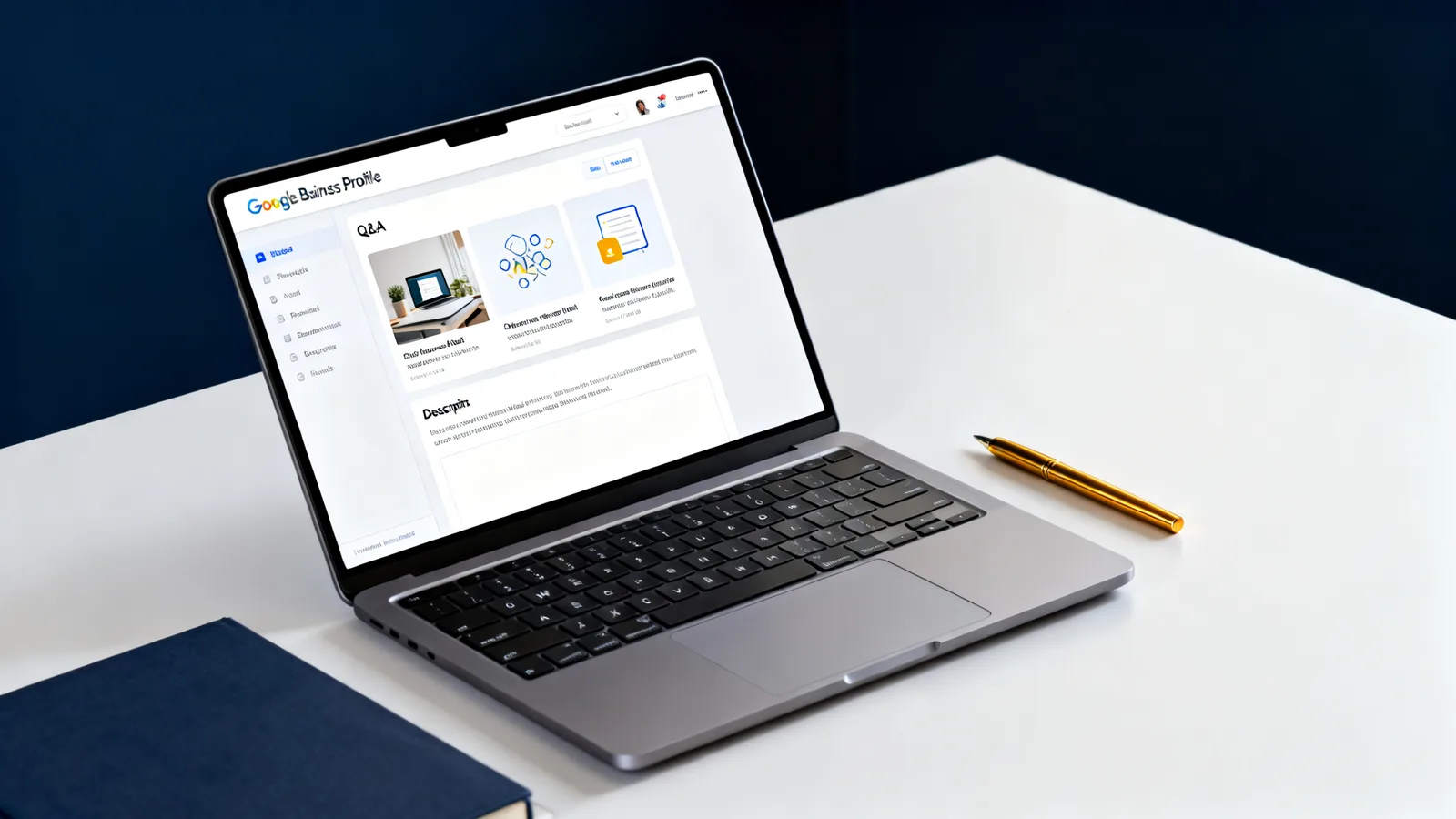

They help engagement more than ranking, but they're still worth doing. An active profile is a healthier profile.
Google Posts let you publish updates, offers, and events directly on your profile. They expire, so they reward regular effort. Think of them as a low-cost way to keep the listing current rather than a ranking lever.
The Q&A section is public, and anyone can answer. Seed it yourself with the questions customers actually ask, then answer them clearly. Ignore it and someone else may answer incorrectly.
The business description sits lower on the profile and doesn't carry the ranking weight your categories do. Still, write it in plain language describing what you do and who you serve. Skip the keyword stuffing.
What about AI search and the local pack together?
The same fundamentals that help you in the local pack also help when an AI answer pulls in local businesses. AI systems rely on the same structured, consistent information: an accurate category, clear services, a consistent name and address across the web, and real reviews.
Keep your name, address, and phone number identical everywhere they appear online. Inconsistent listings make it harder for any system to trust which version is correct. For a broader look at how these pieces fit together, see our Local SEO & AI Search hub, and the Glossary for terms used here.
What is a realistic timeline?
Category changes and a fuller profile can show effects within days to a few weeks — Google reindexes profiles regularly. Review-driven prominence builds over months, since it depends on a steady stream of new reviews rather than a single push.
Set the profile up correctly once, then put 15 minutes a week into reviews, a Post, and a few photos. That maintenance pace does more than occasional bursts of effort.
Founder, Viewmedia
Brian Wroblewski is the founder of Viewmedia. For more than two decades he has helped local and regional businesses turn marketing spend into provable, closed sales.