How AI Can Handle Appointment Scheduling for a Small Business
A practical look at where AI actually reduces the back-and-forth of booking, and where it still needs a human hand.

TL;DR
AI scheduling tools can read a customer's request, offer open times, book the slot, and send reminders without you touching your phone. The real gains come from cutting no-shows and phone tag, not from replacing your judgment. Start with one channel, connect it to your existing calendar, and keep a human review step for anything unusual.
AI can take a booking request in plain language, check your real calendar, offer open times, confirm the appointment, and send reminders, all without you stopping what you are doing. It works best when connected to the calendar you already use and given clear rules about your hours, buffer times, and services. The parts that pay off first are fewer missed calls and fewer no-shows, not some grand overhaul of how you run your day.
If you are an owner-operator who loses jobs because you cannot answer the phone while your hands are full, this is the kind of automation that moves actual work off your plate.
What does AI scheduling actually do?
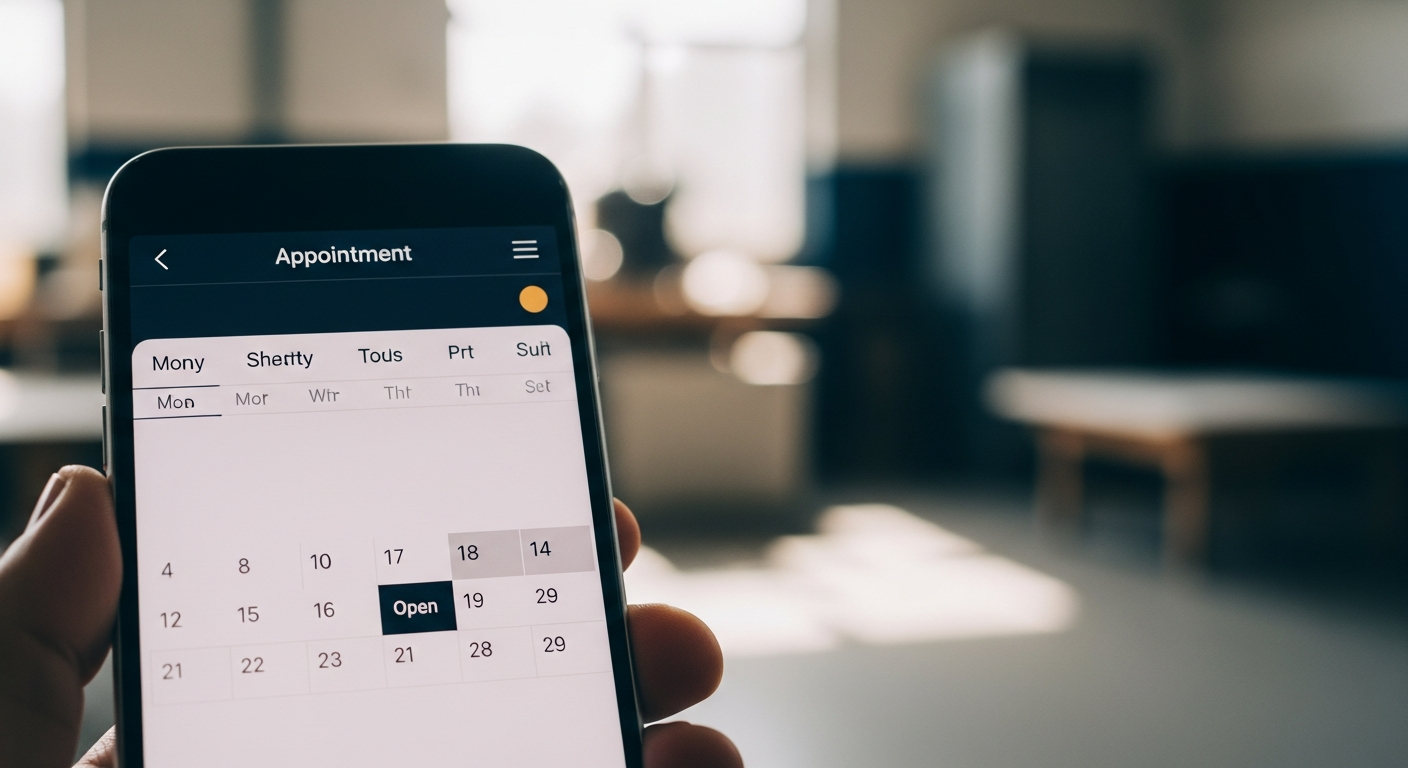
It handles the repetitive middle of booking. A customer says "Can I get in Thursday afternoon?" and the system reads that, checks your open slots, and replies with times that fit your rules.
Most tools do a few concrete things well:
- Read a request from a text, web form, or chat and turn it into a proposed time.
- Check your live calendar so it never double-books.
- Send confirmations and reminders automatically.
- Let the customer reschedule or cancel through a link instead of calling you.
The AI layer is mostly about understanding messy human phrasing and responding in normal sentences. The booking itself is ordinary calendar software underneath. That distinction matters, because it means the reliable part is well understood and the AI handles the flexible part on top.
Where does it save the most time and money?
Two places: missed calls and no-shows.
Missed calls are lost revenue you never see. When you are on a job, a call goes to voicemail, and many people simply move on to the next business rather than leave a message. An AI that answers by text or chat and offers a time captures that person before they walk away.
No-shows are the second drain. Automated reminders sent by text a day and an hour before an appointment are a simple, documented way to cut them down. Research published in the British Journal of General Practice found that text message reminders reduced non-attendance at clinic appointments compared with no reminder. The mechanism is not clever. People forget, and a nudge helps.
You do not need AI to send a reminder. You do need something that fires reliably without you remembering to do it, which is the whole point.
How do you set it up without breaking your calendar?
Connect it to the calendar you already use, then write down your rules before you turn anything on.
Start with these:
- Your real working hours, including days you never take work.
- Buffer time between appointments so back-to-back bookings do not trap you.
- How long each service actually takes, not the optimistic version.
- What needs a deposit or a phone confirmation before it counts as booked.
Once those rules exist, the tool enforces them better than you can under pressure. The common mistake is switching on automatic booking with vague rules, then spending your week untangling appointments that should never have been offered. Clear rules first, automation second. This is the same principle behind good AI Integration: the software is only as sensible as the limits you set for it.
Want this working on your numbers?
Viewmedia makes marketing you can prove, matched to real, closed sales.
What should stay human?
Anything involving judgment, money disputes, or a first-time relationship you want to shape yourself.
Keep a human step for:
- Large or custom jobs where the price depends on details a form cannot capture.
- Anyone who sounds upset or is trying to fix a mistake.
- Repeat clients where a personal reply keeps the relationship strong.
A good setup routes routine bookings automatically and flags the rest for you. You are not choosing between all-AI and all-manual. You are choosing which requests are simple enough to handle on their own.
If your business has scheduling quirks that off-the-shelf tools cannot express, you may need something built around your workflow. A short conversation about Custom Software can tell you whether that is worth pursuing or whether a well-configured tool is enough.
How do you keep the AI from sounding wrong or booking badly?
Test it against your own tricky requests before customers see it, and check it weekly for the first month.
Write out the awkward messages you actually get: "Do you work Sundays?", "I need two appointments same week," "Can my mom use my slot?" Run them through and see how it responds. Fix the rules or the wording until the answers match what you would say yourself.
The other half is making sure you and anyone around you know how to read the flagged cases and step in cleanly. That handoff, from automated reply to human, is where most setups feel clunky if nobody thought it through. A bit of AI Training on how the tool decides what to escalate goes a long way.
After launch, review the bookings each week. Look for anything that got offered but should not have, and tighten the rule that allowed it. Within a month the exceptions get rare and the system mostly runs itself.
Is it worth it for a very small operation?
If you regularly miss calls or chase no-shows, yes. If you have a light, predictable schedule and always answer your phone, probably not yet.
The honest test: count how many booking messages and calls you handle in a normal week, and how many you miss. If that number is large enough to cost you jobs or evenings, an automated scheduler pays for itself. If it is small, stick with your current method and revisit when you get busier.
Automation should remove a real, repeated chore. If the chore is not there, the tool is just another subscription. If you want to see how AI-assisted tools like this fit into a broader strategy, how a small business owner can use AI to answer customer messages faster covers the same principle applied to everyday communication. And if missed calls are part of a wider gap in your lead generation, that is worth looking at separately. For home service businesses in particular, the home services page outlines how these tools work together in practice.
Founder, Viewmedia
Brian Wroblewski is the founder of Viewmedia. For more than two decades he has helped local and regional businesses turn marketing spend into provable, closed sales.