How Sports Brands Can Produce Social Video That Actually Gets Watched
A practical system for filming, editing, and publishing social video for sports brands without a full production crew.
TL;DR
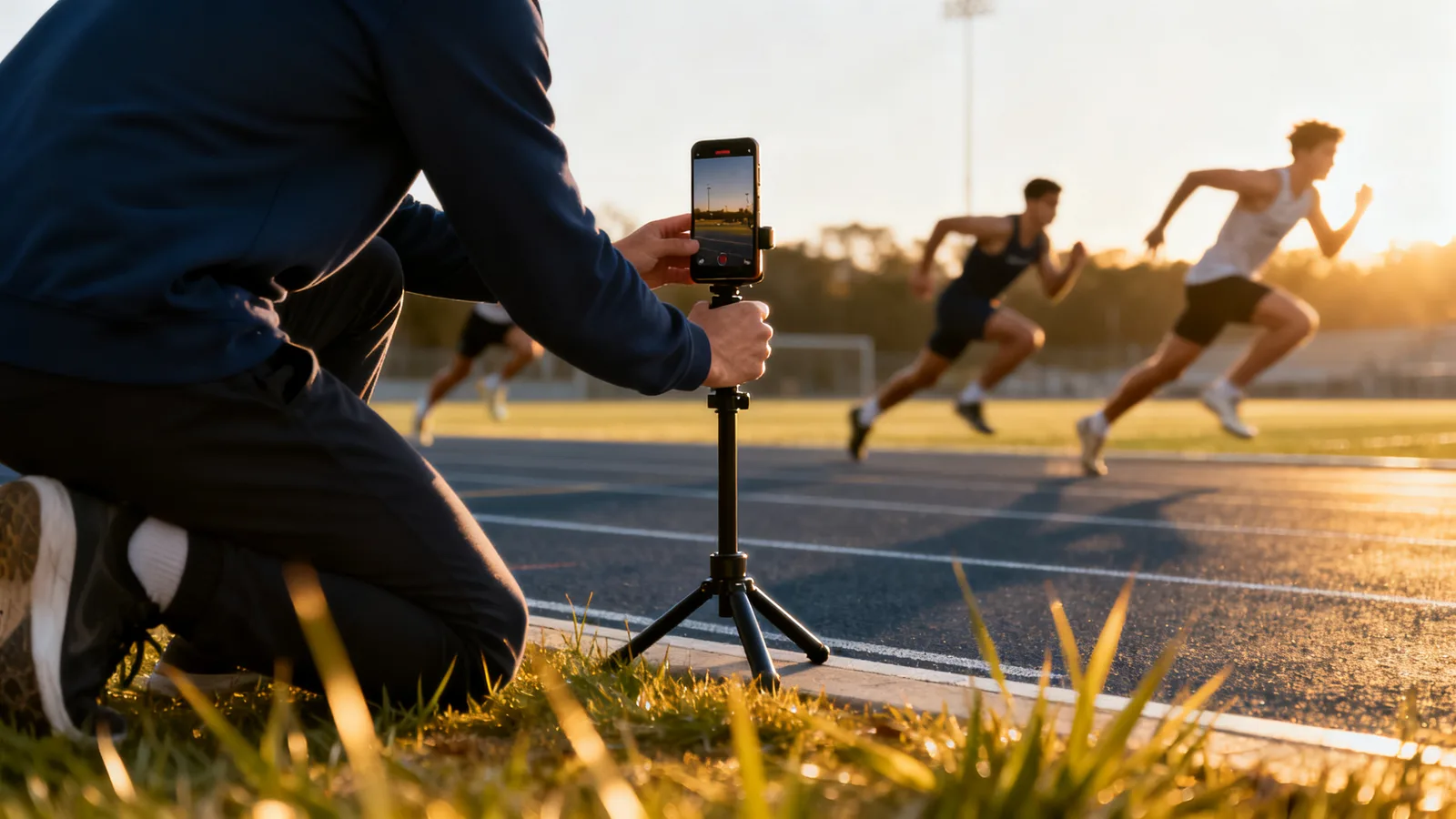
Sports brands win on social video by capturing real moments at events and practices, then cutting them into short, vertical clips built for silent viewing. You do not need a large crew: a phone, a plan, and a repeatable editing routine cover most of the work. Focus on consistency and clear captions over polish.
Sports brands produce social video by capturing real action and behind-the-scenes moments, then cutting them into short vertical clips built to be watched without sound. It's less about expensive gear and more about a repeatable routine. Film with a plan, cut for the first three seconds, add captions, and publish on a schedule you can actually keep.
This guide covers what to shoot, how to edit for the platforms, and how to keep a steady flow of content without burning out your team.
What kind of video actually works for sports brands?
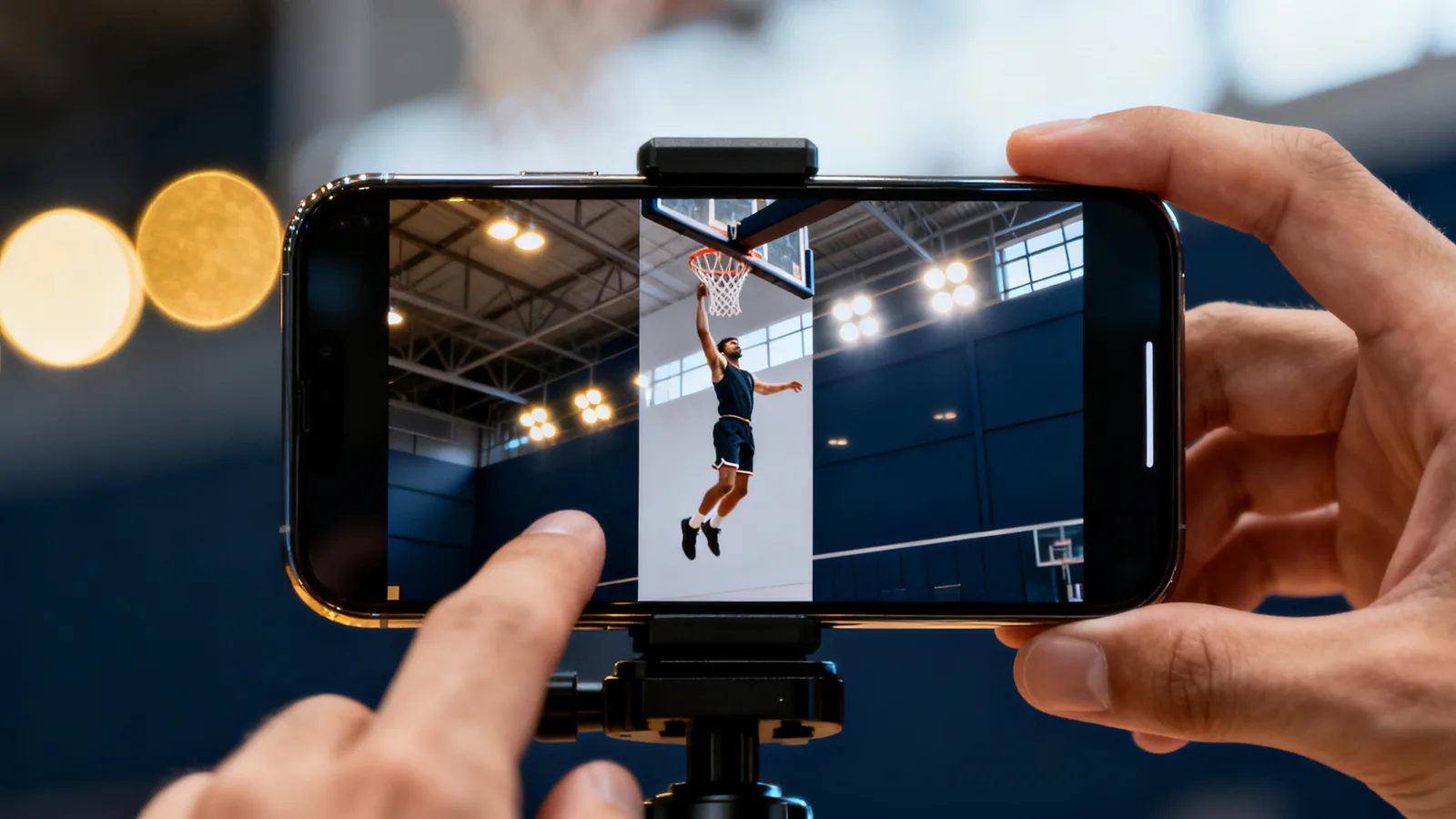
Motion and emotion. Sports content has a built-in advantage: the subject is already dramatic. Your job is to capture it and frame it clearly.
A few categories carry most sports social feeds:
- Game and competition footage: the score, the finish, the reaction.
- Behind the scenes: warmups, locker rooms, travel, the moments fans never see.
- Athlete personality: short interviews, reactions, small habits and routines.
- Community and fans: the crowd, youth programs, local events.
- Product and gear: how something is used, not just how it looks on a shelf.
You don't need all five every week. Pick two or three you can film reliably and rotate them.
The most shareable clips tend to have a clear emotional beat: a win, a near miss, a funny moment, a moment of real effort. Keep a running list as you shoot so you can find them later.
How do you shoot when you don't have a film crew?
Use a phone, shoot vertical, and get closer than feels natural.
Most social video lives in a 9:16 vertical frame. Meta, TikTok, and YouTube all favor vertical short-form placement, so shoot vertical from the start rather than cropping later. Getting the framing right in-camera saves real time in post.
A short equipment list covers most needs:
- A recent smartphone that shoots 1080p or higher.
- A small tripod or clamp for stable shots.
- A clip-on microphone for any talking, since built-in phone mics fall apart in wind and crowd noise.
Three habits improve raw footage more than any gear upgrade:
- Stabilize the shot. Lean on a rail, use a tripod, or brace your elbows. Shaky footage loses viewers fast.
- Get the light right. Shoot with the sun or light source behind you, not behind your subject.
- Capture more than you think you need. Extra seconds before and after the action give an editor room to work.
Assign one person per event to be responsible for capture. When everyone assumes someone else is filming, you end up with nothing usable.
Want this working on your numbers?
Viewmedia makes marketing you can prove, matched to real, closed sales.
How should you edit video for silent, scrolling feeds?
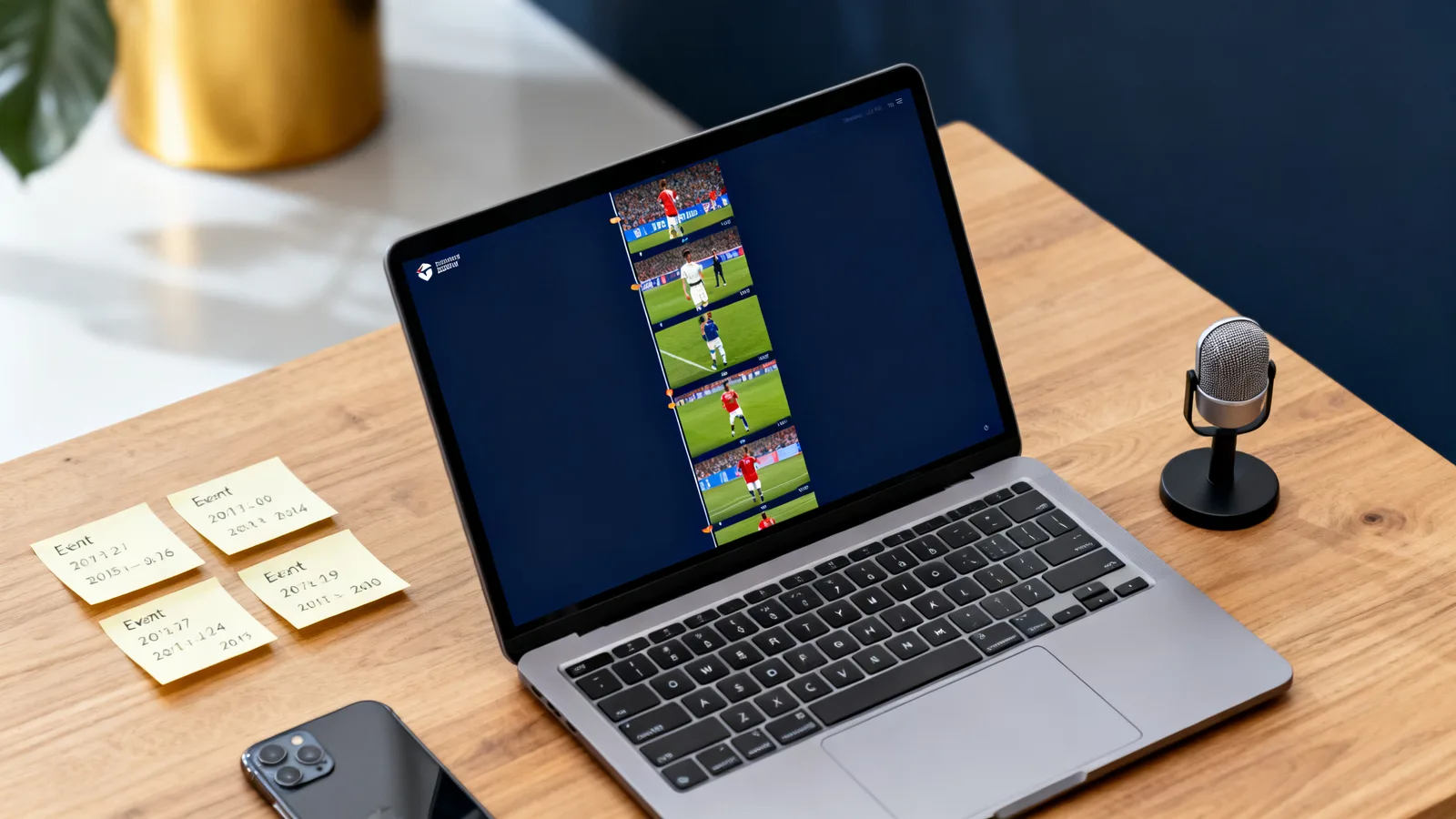
Edit for the thumb and the mute button. Most people scroll with the sound off, so the first frame and on-screen captions do the heavy lifting.
Start with the payoff. The opening seconds decide whether someone keeps watching. Lead with the most striking moment, then fill in context. Don't build slowly to a reveal.
Caption everything. Most editing apps now auto-generate captions you can quickly correct, and there's no good reason to skip this step.
Keep a consistent length range. For most sports brands, 15 to 45 seconds is a workable target. Longer edits have their place, but short clips are easier to produce in volume and easier for viewers to finish.
Build a simple template so every clip looks like it belongs to your brand:
- The same caption font and position.
- Your logo in a consistent spot.
- A recognizable color for text backgrounds.
That template is what makes a random phone clip look like part of a real Content Production system instead of a one-off.
How do you keep a steady flow of content without burning out?
Batch the work and separate capture from publishing. Consistent teams don't film and post in the same rushed moment.
A practical rhythm looks like this:
- Capture in bulk at games, practices, and events.
- Set aside one editing block per week to cut several clips at once.
- Schedule those clips across the following days rather than posting them all at once.
This matters because your best footage comes in bursts, on game day or at an event, but your feed needs a steady drip. A backlog lets you publish on quiet days too.
Decide how often you can realistically post and hold that line. A steady two or three posts a week beats a burst of ten followed by three weeks of silence.
Keep raw files organized. A simple folder system by date and event saves hours when you go looking for a specific moment later. Tag your best clips so you can pull them for highlight reels, anniversaries, and season recaps.
If your internal team can't sustain the editing load, that's the piece worth handing off. Capture is hard to outsource; editing to a template is not. You can pair this with your broader Social Media plan and track performance in your Insights.
What should you measure to know it's working?
Watch retention and shares before follower count. On short-form video, how long people watch and whether they send a clip to a friend tells you more than likes.
Track three things over time:
- Average watch time or completion rate: are people finishing the clip?
- Shares and saves: these signal the content was worth passing on.
- Follower growth trend: slow to move, but a fair long-term signal.
Compare clips against each other, not against some outside benchmark. Notice which openings, subjects, and lengths hold attention, then make more of those. Treat every week as a small test and let the results, not opinions, shape the next batch. For a deeper look at connecting your video efforts to actual revenue, see how to tie paid media spend to actual sales, not clicks.
Sources
Founder, Viewmedia
Brian Wroblewski is the founder of Viewmedia. For more than two decades he has helped local and regional businesses turn marketing spend into provable, closed sales.