What an MCP Server Actually Is, and Why Your Marketing Tools Might Need One
A plain explanation of the Model Context Protocol for owner-operators who want AI to touch their real tools without a custom build for every connection.

TL;DR
An MCP server is a small piece of software that lets an AI assistant read from and take action in your business tools through a standard connection. For a small business, it matters because it replaces one-off custom integrations with a repeatable way to let AI look up a customer, draft an email, or update a record. It is plumbing, not magic.
An MCP server is a small program that gives an AI assistant a standard way to read data and take actions inside your business software. MCP stands for Model Context Protocol, an open standard Anthropic introduced in November 2024 for connecting AI models to tools and data sources. In practical terms, it is the adapter that lets a chat assistant look up a customer record, pull a report, or draft and queue an email without a developer hand-building a separate connection for each task.
If you have ever wished you could ask an assistant "who hasn't opened our last three emails" and have it actually check rather than guess, that is the gap an MCP server fills.
What does an MCP server actually do?
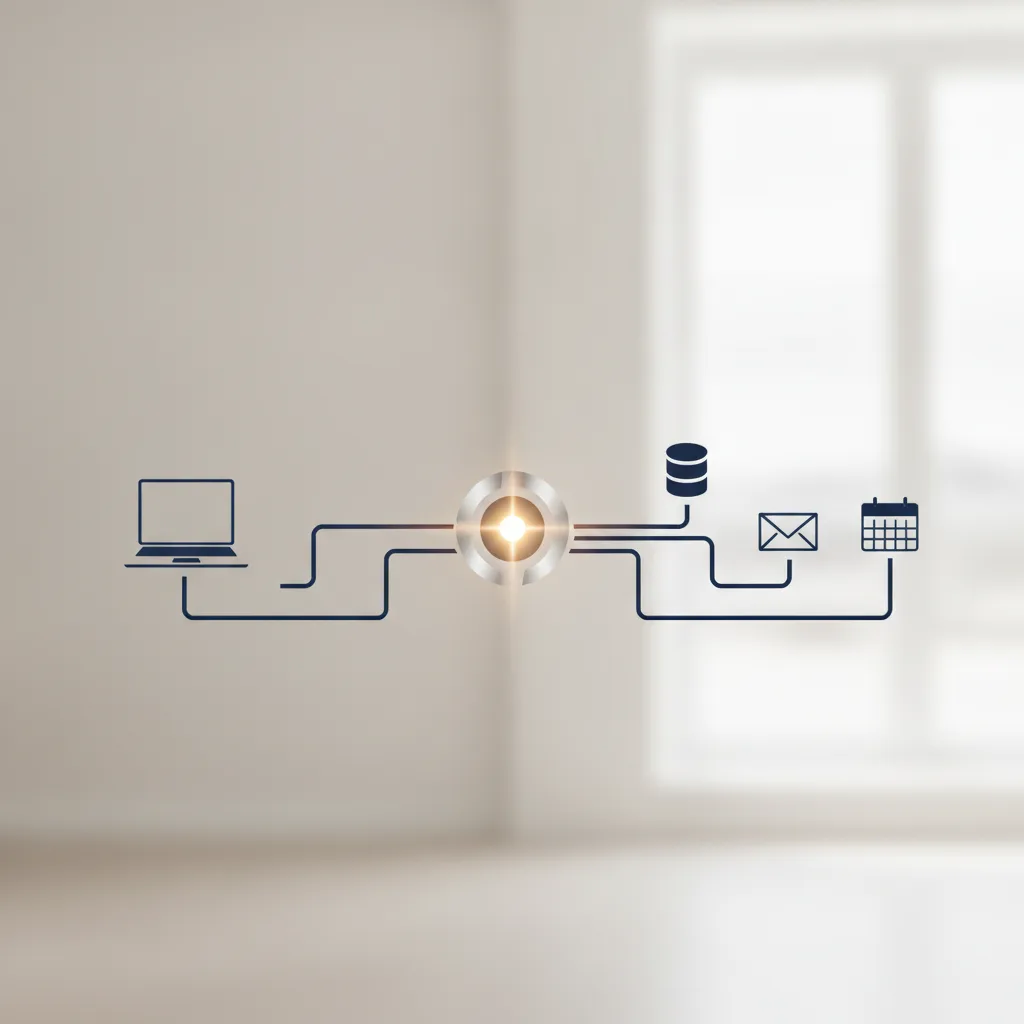
It exposes your tools to an AI model in a format the model understands.
Think of it like a power outlet. Before standard outlets, every appliance needed its own wiring. The standard socket meant any device with the right plug could draw power. MCP plays the same role: it defines a common shape for "here is a tool you can use" and "here is some data you can read," so an AI assistant can work across many systems without a custom job each time.
An MCP server sits between the AI and one of your systems, say your email platform or your customer database. It publishes a list of things the AI is allowed to do, such as "search contacts" or "create a draft campaign." When you ask the assistant something, it calls those functions through the server and gets a structured answer back.
The AI does not get direct, unlimited access to your database. It only sees the specific actions the server chooses to expose. That boundary is the point.
Why is this different from the integrations I already have?
Most existing integrations are point-to-point and rigid. MCP is a shared standard, so the same connection works across many AI tools.
Before MCP, connecting an AI feature to your CRM meant a developer wrote code specific to that CRM's API, then did it again for your email tool, then again for your booking system. Every new tool was a new project. When a vendor changed its API, something broke.
The Model Context Protocol was published as an open standard so any AI application that supports it can talk to any tool that offers an MCP server. Anthropic released it openly, and other major AI companies have since adopted it. That adoption is why it is worth understanding rather than dismissing as one vendor's idea.
For a small business, the practical benefit is reuse. Build or adopt an MCP connection to your email platform once, and it can serve whatever assistant you use now and the one you switch to next year.
Why would marketing tools specifically need one?
Because marketing work is a chain of small lookups and actions across separate systems, and that is exactly what an MCP server is good at coordinating.
A single campaign might touch your contact list, your segmentation rules, your email builder, your send schedule, and your reporting. Without a connection, an AI assistant can only write copy in a vacuum. With an MCP server in front of those tools, the same assistant can pull the right segment, draft the message, and hand you a queued campaign to review.
One limit is worth naming here. AI can help you write and target a campaign, but performance still depends on your list and your offer. The one hard number worth stating: Viewmedia guarantees a 15% open rate on consumer email campaigns. That is a floor tied to how campaigns are built and sent, not a promise that an AI wrote them.
An MCP server does not improve your open rate on its own. It removes the manual copy-paste between tools so whoever is doing the work moves faster and makes fewer errors.
Want this working on your numbers?
Viewmedia makes marketing you can prove, matched to real, closed sales.
Is an MCP server safe to point at my customer data?

It can be. Safety comes from how it is configured, not from the protocol alone.
Three controls matter. First, scope: the server should expose only the actions you need, so an assistant can draft an email but cannot delete a contact list. Second, permission: sensitive actions should require your approval before they run, not execute silently. Third, logging: every action the AI takes should be recorded so you can review what happened.
These are the same principles you would apply to any staff member with system access. The MCP server is just where you enforce them for an AI. If a setup gives an assistant broad write access with no review step, that is a configuration problem worth fixing before you connect anything to live customer records.
Do I need to build one myself?
Usually not. Many platforms are shipping their own MCP servers, and you can also have one built to fit your stack.
If your tools already offer MCP support, connecting is closer to setup than to development. If your systems are older or custom, the connection has to be created, which is where custom software work comes in. Either way, the goal is the same: give your AI tools a controlled door into the systems you already use.
For most owner-operators, this is not a problem you need to solve today, and not one you need to solve alone. It is infrastructure that sits underneath useful AI features. What matters more day to day is getting the AI integration right and making sure your team gets AI training so the tools actually get used. The MCP server is the wiring behind the wall. Worth understanding, not worth obsessing over.
How do I know if it is worth the effort?
Start from the work, not the technology. If you or your staff are repeatedly copying information between an AI chat window and your marketing tools, that repetitive handoff is the signal.
Write down the three tasks you do most often that involve pulling data from one place and doing something with it in another. If an assistant could handle those with a controlled connection, an MCP server is the mechanism that makes it possible. If your bottleneck is somewhere else, such as list quality or your offer, connecting more tools will not fix it.
Decide based on hours saved and errors avoided, measured against your own workflow. That keeps the decision grounded in what your business actually needs.
Sources
Founder, Viewmedia
Brian Wroblewski is the founder of Viewmedia. For more than two decades he has helped local and regional businesses turn marketing spend into provable, closed sales.